
How to Track Income and Expenses
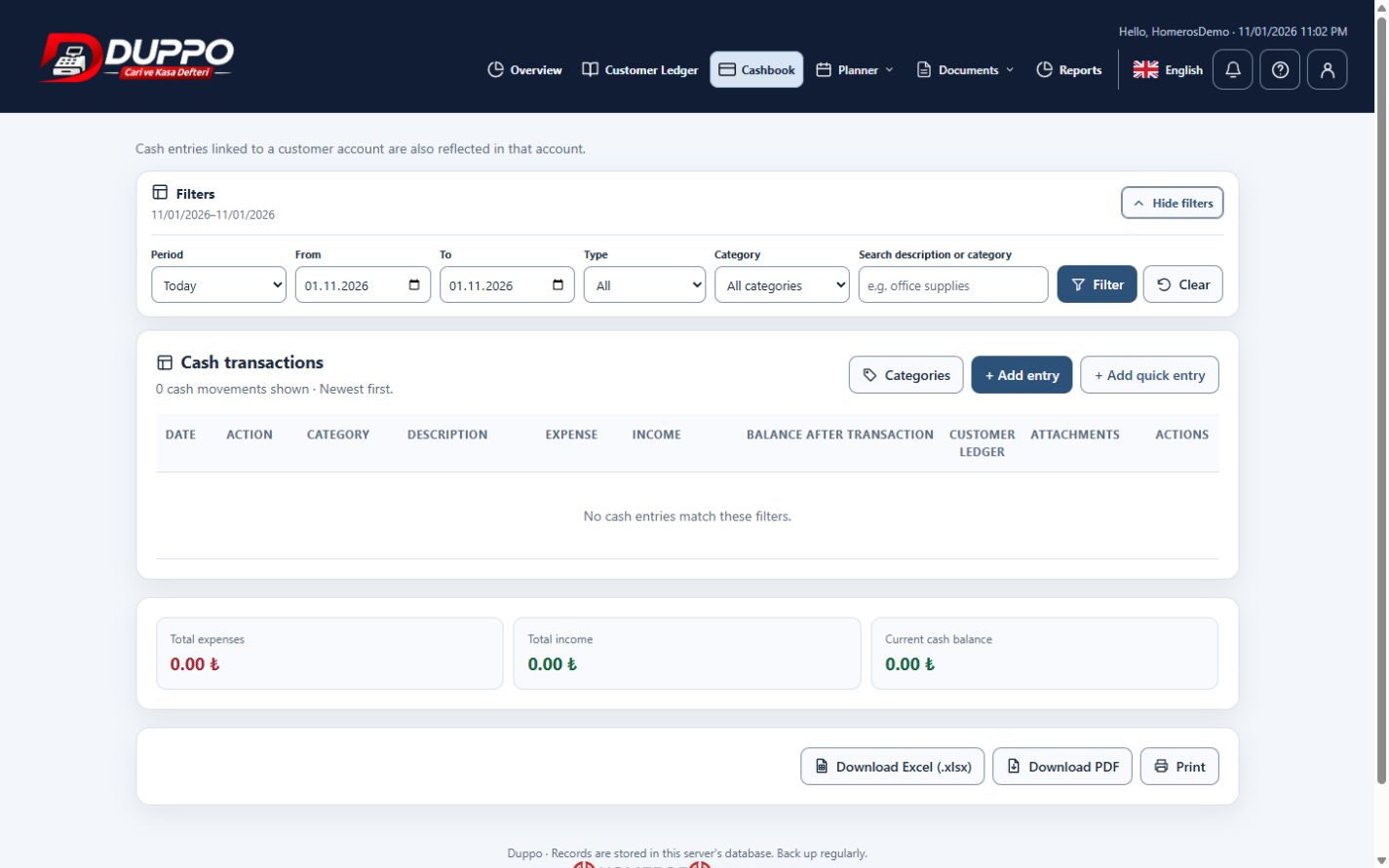
Income and expense tracking organizes money movements using meaningful categories. Consistent categories and descriptions help you compare periods and identify which job or activity an expense belongs to. A clear entry routine matters more than creating many overlapping categories.
Determine whether the entry is income or expense and take its amount from the document. Use the same category for similar costs. At month end, filter the dates, inspect entries and totals, and use the existing report output when required.
Homeros Bilişim separates service income from software and office costs. Unusual monthly amounts are checked against documents. A total displayed in the application does not mean that official profit calculations or tax filings have been completed automatically.
This guide explains everyday record keeping. Before sharing or correcting data, check the selected business, date range and supporting documents. Plan access and available screen actions depend on your account permissions.
Start for freeTry it in the application
Choose short category names that make sense in daily work.
Review point
Use matching date ranges and filters when comparing periods.
Example from the application

