
How Duppo works
An organized start in six steps.
Move from your first account to sharing reports in one workspace. The images show the actual application with Homeros Bilişim sample records.
- 01
Create your account
Register with a username and email address. Confirm the code sent to your email to activate your free Standard account.
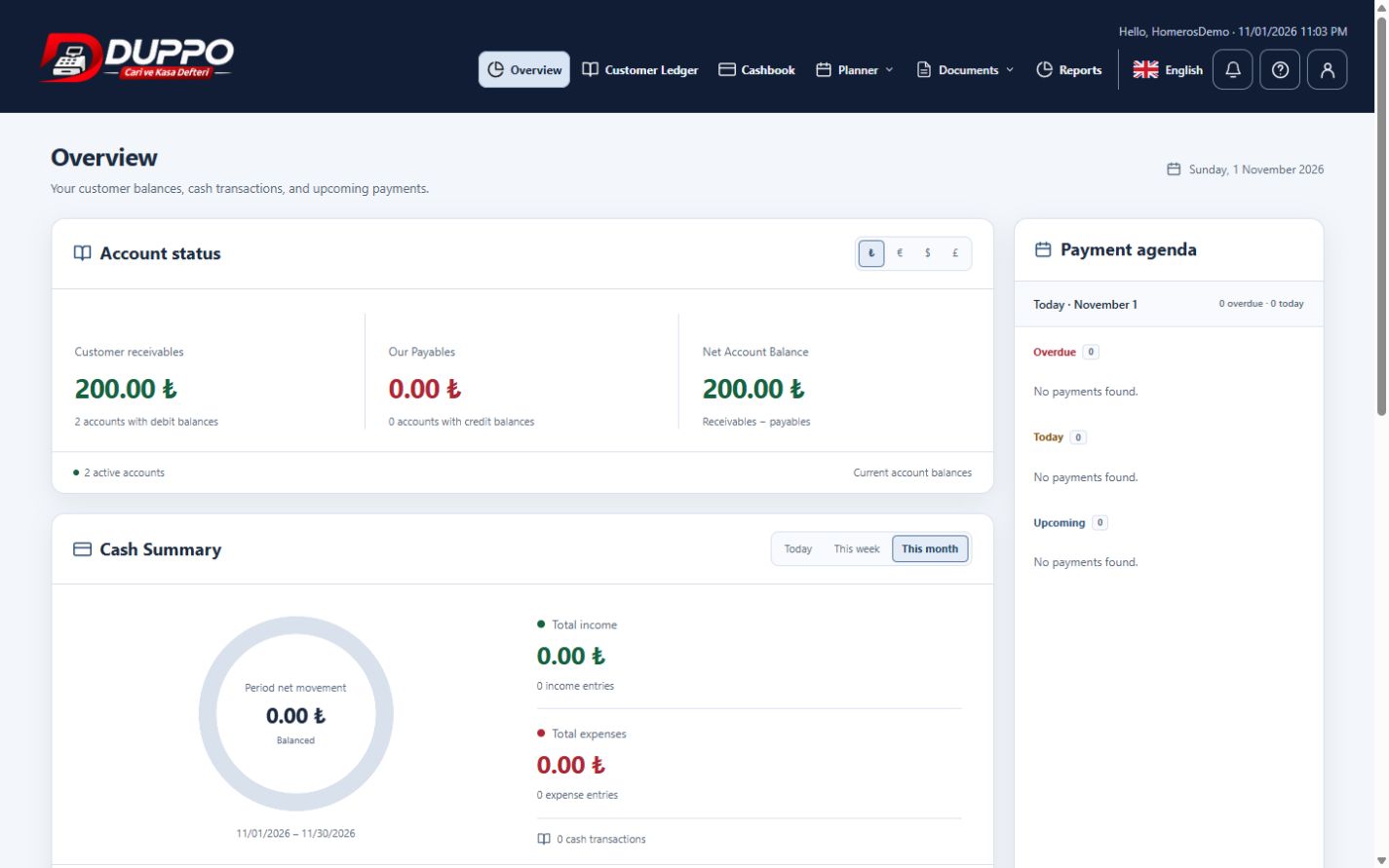
Actual application · Sample data - 02
Set up your business
Complete your business and contact information in the profile, as in the Homeros Bilişim example. Choose your language and theme.
Actual application · Sample data - 03
Add your accounts
Add customers and suppliers individually or use the Excel template. Review and approve the bulk import preview.
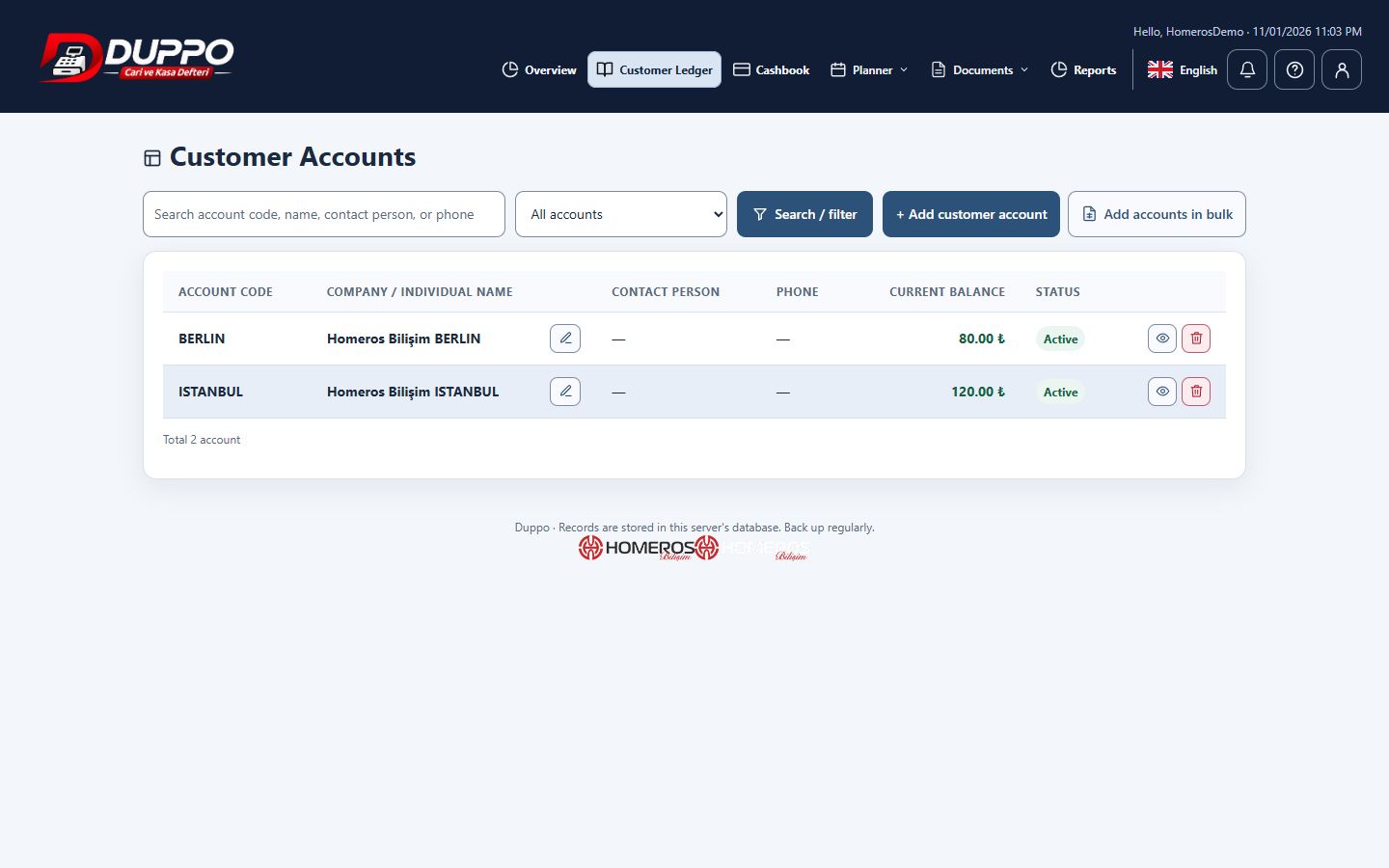
Actual application · Sample data - 04
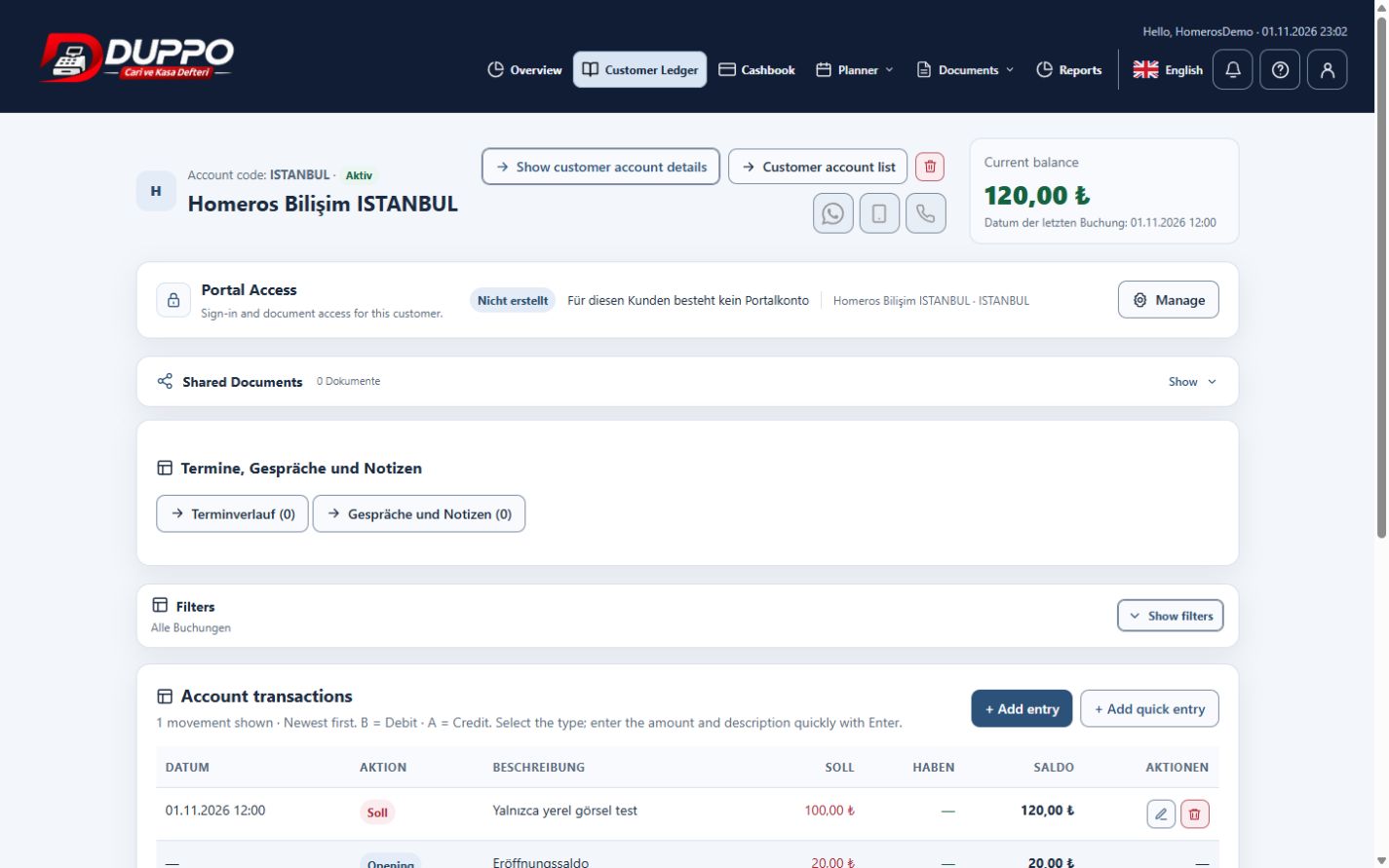
Manage your transactions
Record amounts owed, amounts due, collections, income and expenses with dates, amounts and descriptions; follow accounts and cash together.
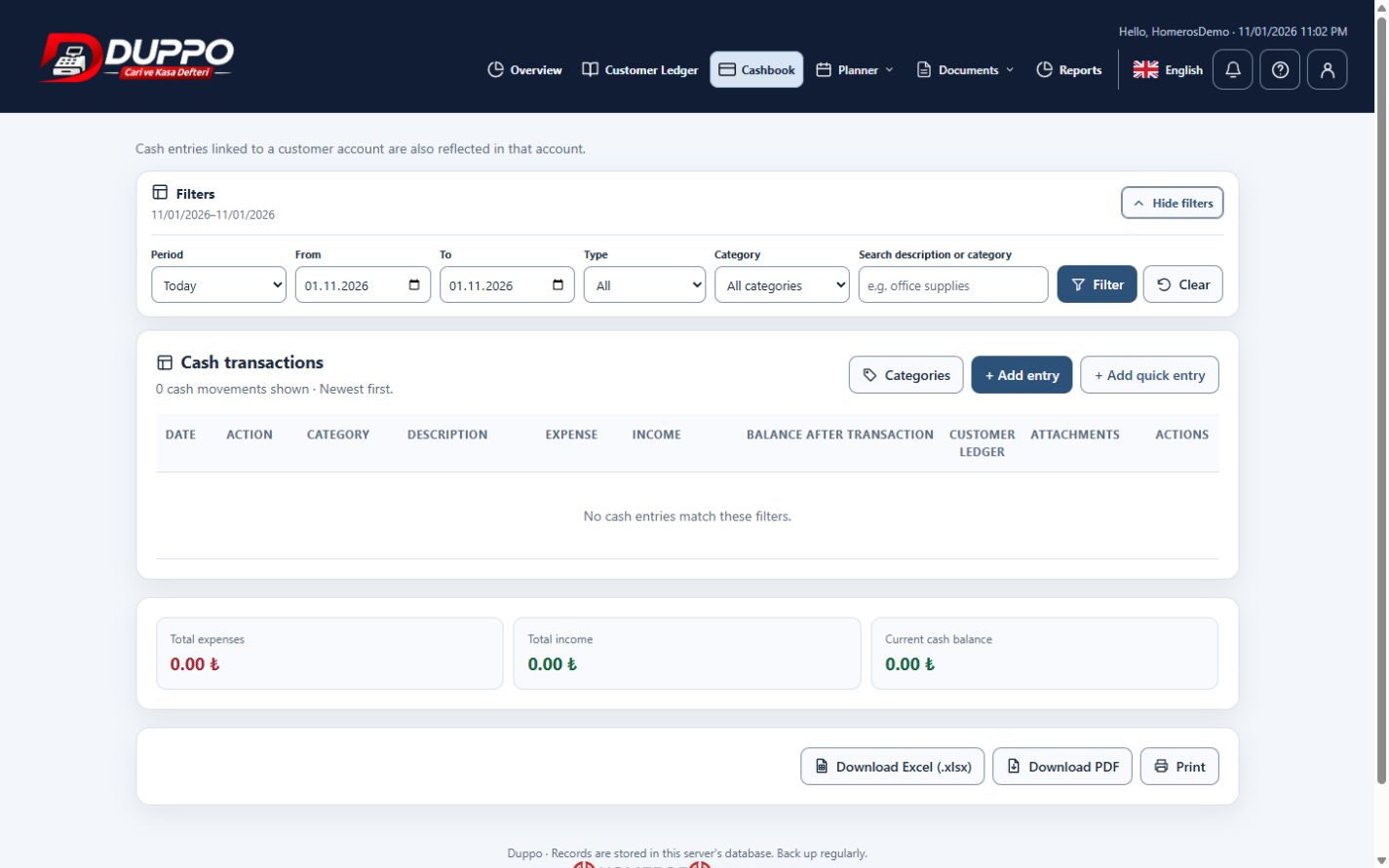
Actual application · Sample data - 05
Organize documents and due dates
Use the invoice, file, payment plan and appointment tools included in your plan. Share only the intended documents through the portal.
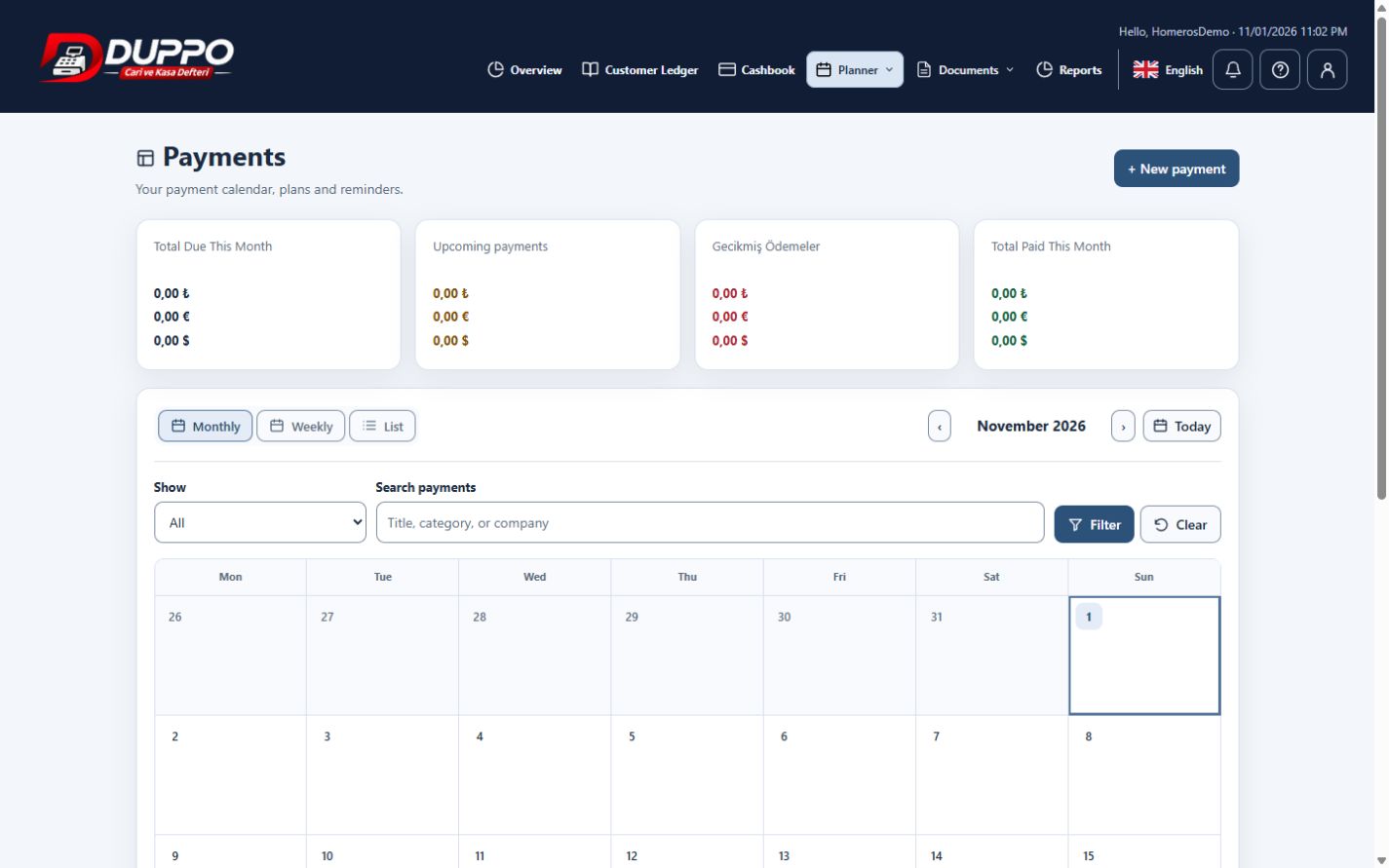
Actual application · Sample data - 06
Create and share reports
Select a date range and prepare an account statement or cashbook report as PDF/Excel. Share supported documents through the email dialog.
Actual application · Sample data

