
How to Track Collections
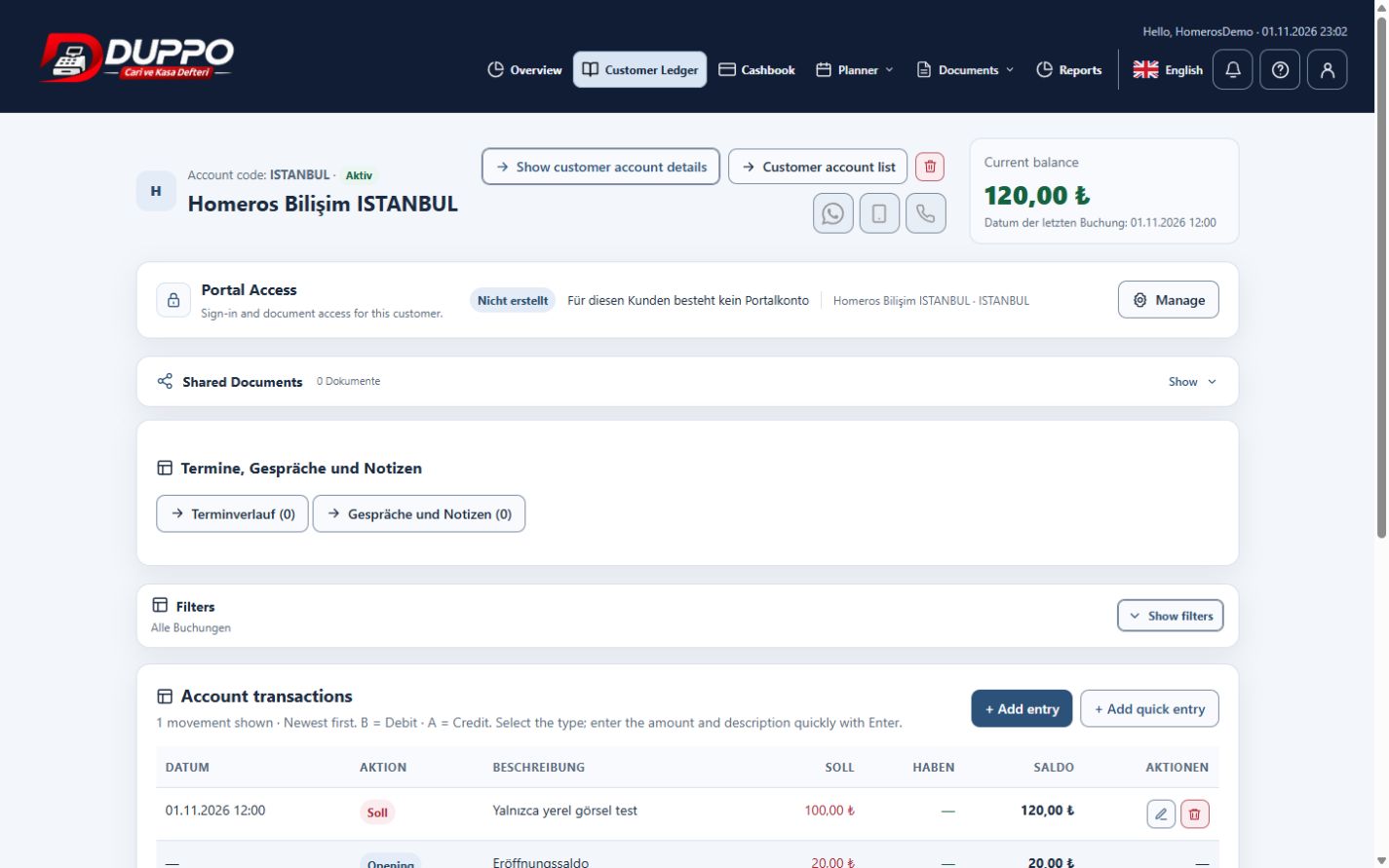
Collection tracking shows which part of a receivable has been paid and what remains outstanding. Planned and completed payments must be distinguished: putting a payment on a calendar does not mean a collection has been recorded in the customer account. Clear dates prevent misleading follow-ups.
Review the account movements and open balance. Enter an actual collection using its correct date and amount; after a partial payment, recheck the remaining balance. State the report date when contacting a customer and reconcile against your own supporting documents.
Homeros Bilişim records two partial payments as separate movements. It checks the resulting balance and report, and updates the payment plan separately where needed. Automatic matching with a bank is not assumed.
This guide explains everyday record keeping. Before sharing or correcting data, check the selected business, date range and supporting documents. Plan access and available screen actions depend on your account permissions.
Start for freeTry it in the application
After a partial collection, compare the movements and remaining balance.
Review point
Do not treat planned and completed amounts as the same entry.
Example from the application

