
How to Keep a Cashbook
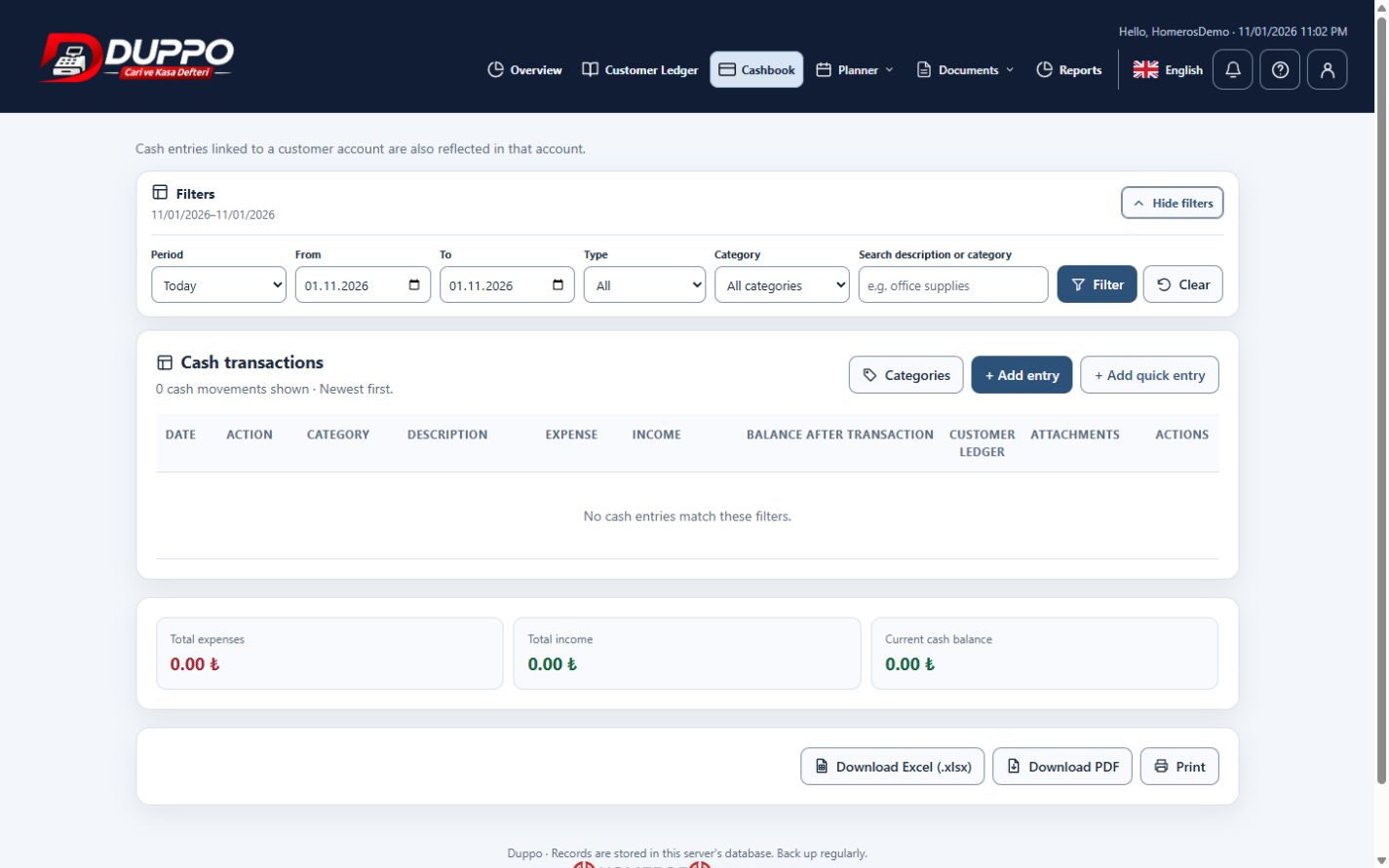
A cashbook makes money entering and leaving the business visible in date order. Keeping income, expenses and descriptions together helps explain differences at the end of the day. The business still needs to check its entries against receipts and actual money movements.
Choose the correct movement type in the Cashbook. Enter the date, amount and category, then add a concise description. Check that a payment has not been entered twice and that the date filter covers the period you intend to review.
Homeros Bilişim records office expenses and service collections under different types and categories. At day end, it compares period totals with its own money records and opens individual entries to investigate differences.
This guide explains everyday record keeping. Before sharing or correcting data, check the selected business, date range and supporting documents. Plan access and available screen actions depend on your account permissions.
Start for freeTry it in the application
Record and filter one sample income and one expense separately.
Review point
Distinguish the opening amount from movements during the period.
Example from the application

