
How to Import Accounts from Excel
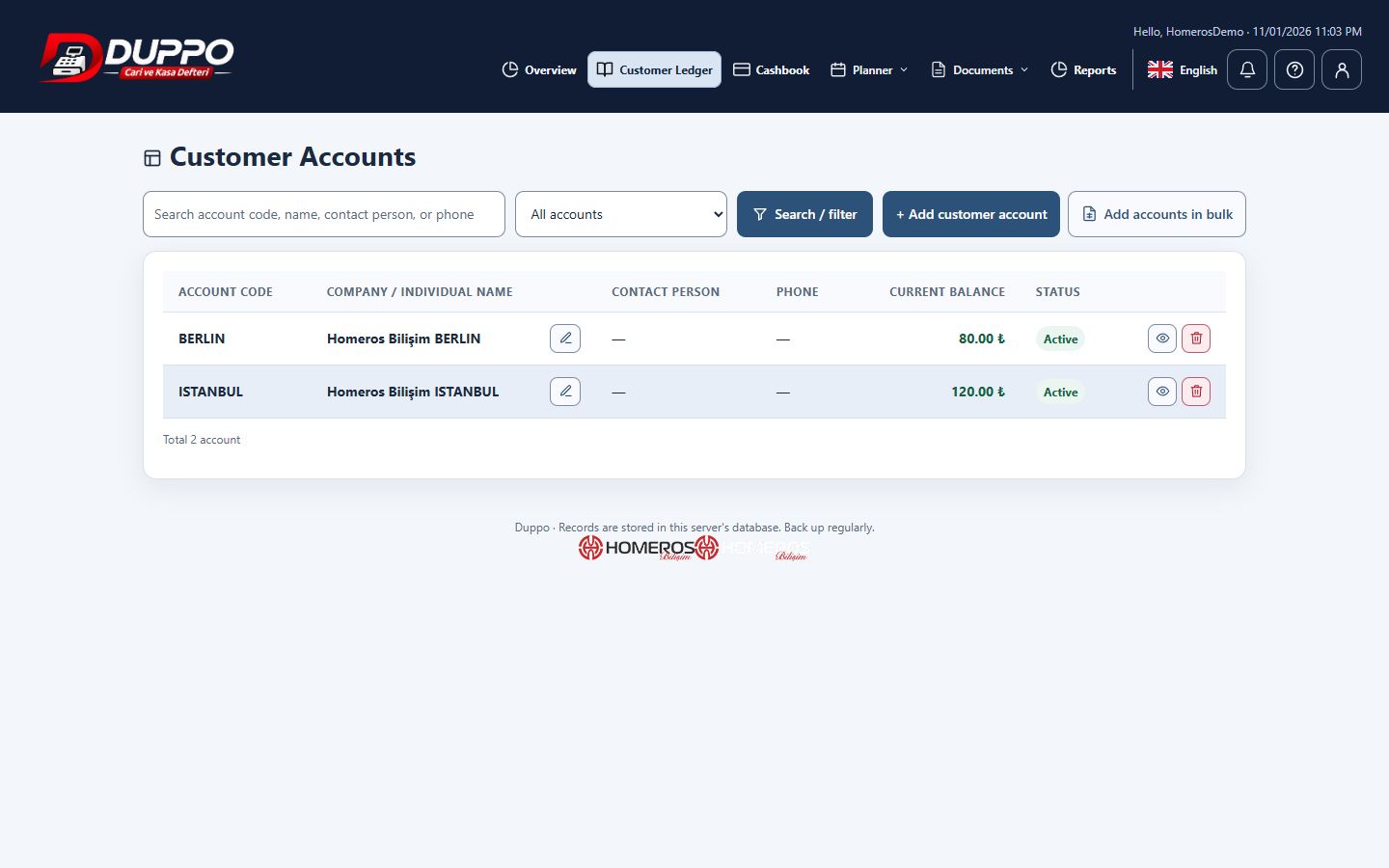
Bulk account import adds multiple customers and suppliers from a controlled file instead of many individual entries. Preparing the file and reviewing the preview are essential: incorrect columns or repeated rows can affect the whole account list. A small trial helps reveal mapping mistakes.
Start with the application template. Clean up names and contact fields, map the required columns and correct any reported row errors. Check the count and sample records in the preview before confirming creation. Keep the source file for your own reference.
Homeros Bilişim reviews a few sample rows before preparing its main file. It checks whether each account already exists. File import is not used as an automatic conversion of existing financial movements or as permission to overwrite them without review.
This guide explains everyday record keeping. Before sharing or correcting data, check the selected business, date range and supporting documents. Plan access and available screen actions depend on your account permissions.
Start for freeTry it in the application
Try the first import with a small verified example file.
Review point
Check opening balances and currencies against their source documents.
Example from the application

