How to Create a PDF Account Statement
A PDF account statement turns movements for a selected period into a document you can share. The account, date range and business information must be correct for the document to be useful. Creating a PDF does not mean that the customer has accepted or reconciled its contents.
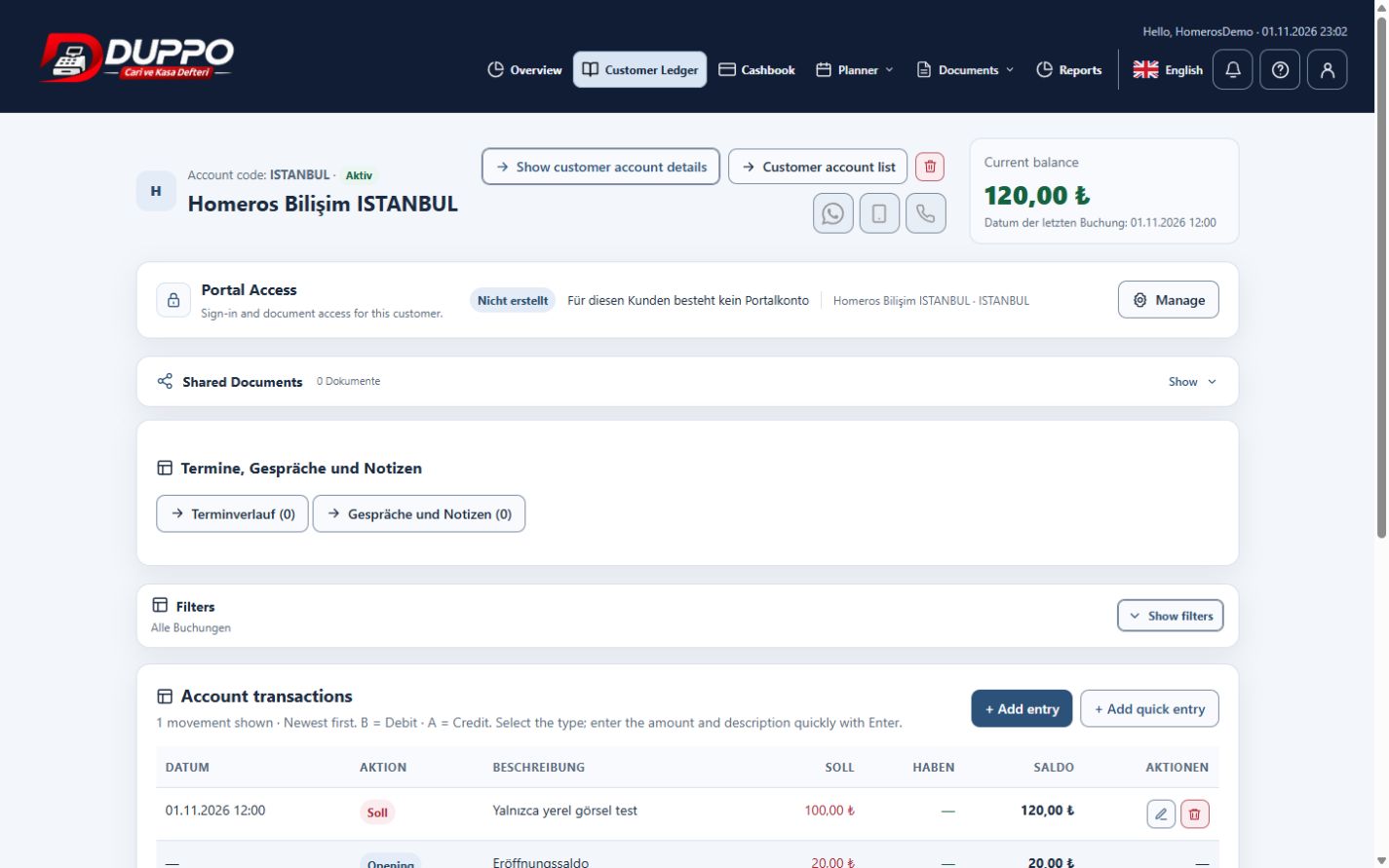
Open the relevant account and review its movements. Choose the date range in the report options and examine the PDF preview. Check descriptions, amounts and balance, then download it or share it through the supported email dialog if your plan allows it.
Homeros Bilişim verifies company details in its profile before preparing a month-end statement. It selects the intended month and checks the recipient email separately. Email sending depends on plan permission and working SMTP configuration.
This guide explains everyday record keeping. Before sharing or correcting data, check the selected business, date range and supporting documents. Plan access and available screen actions depend on your account permissions.
Start for freeTry it in the application
After downloading, check the page layout and selected period.
Review point
Do not resend an old statement as though it shows the current balance.
Example from the application

